DuoUpdater
Update your Mac apps the way
each one expects to be updated.
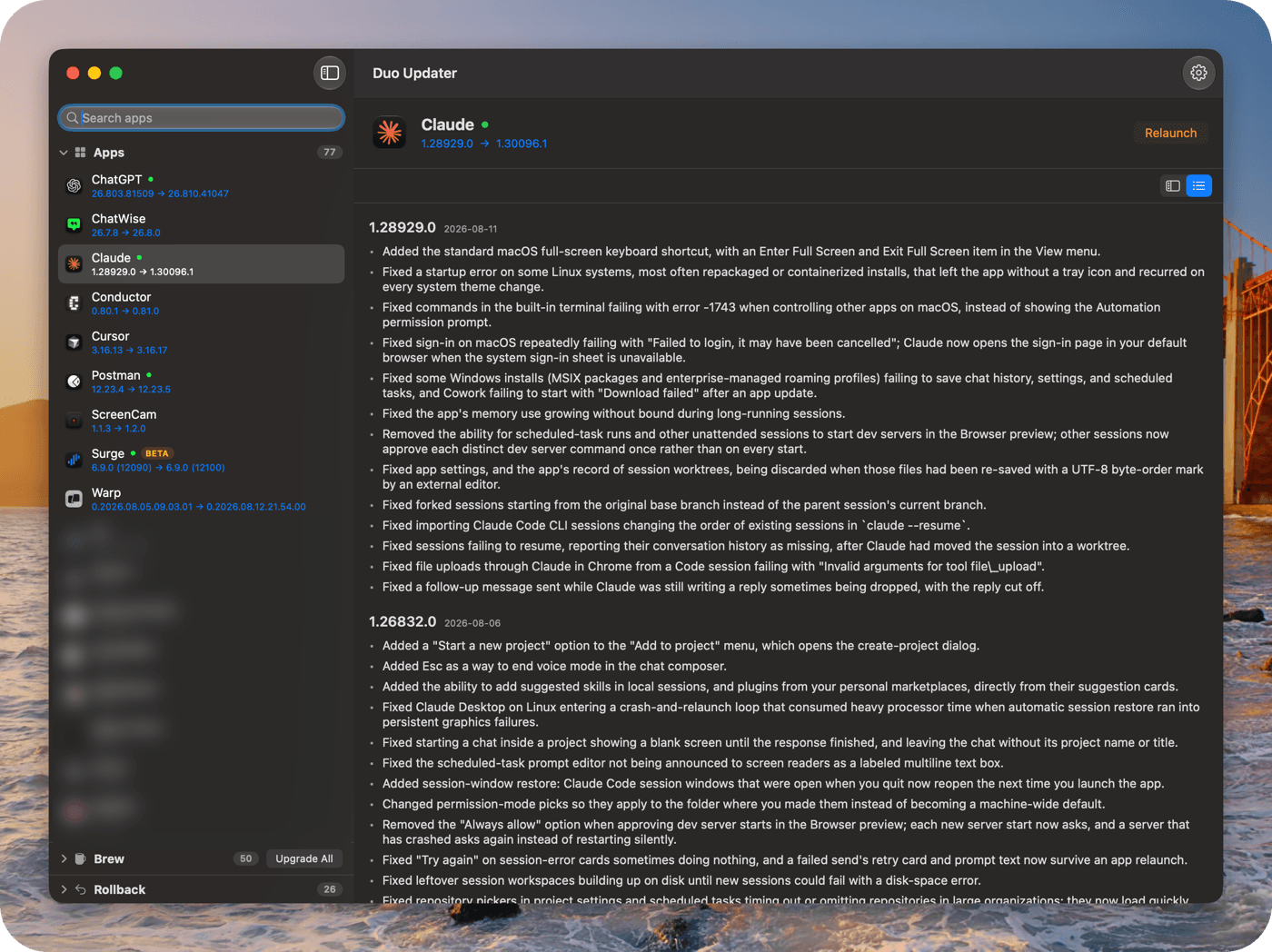
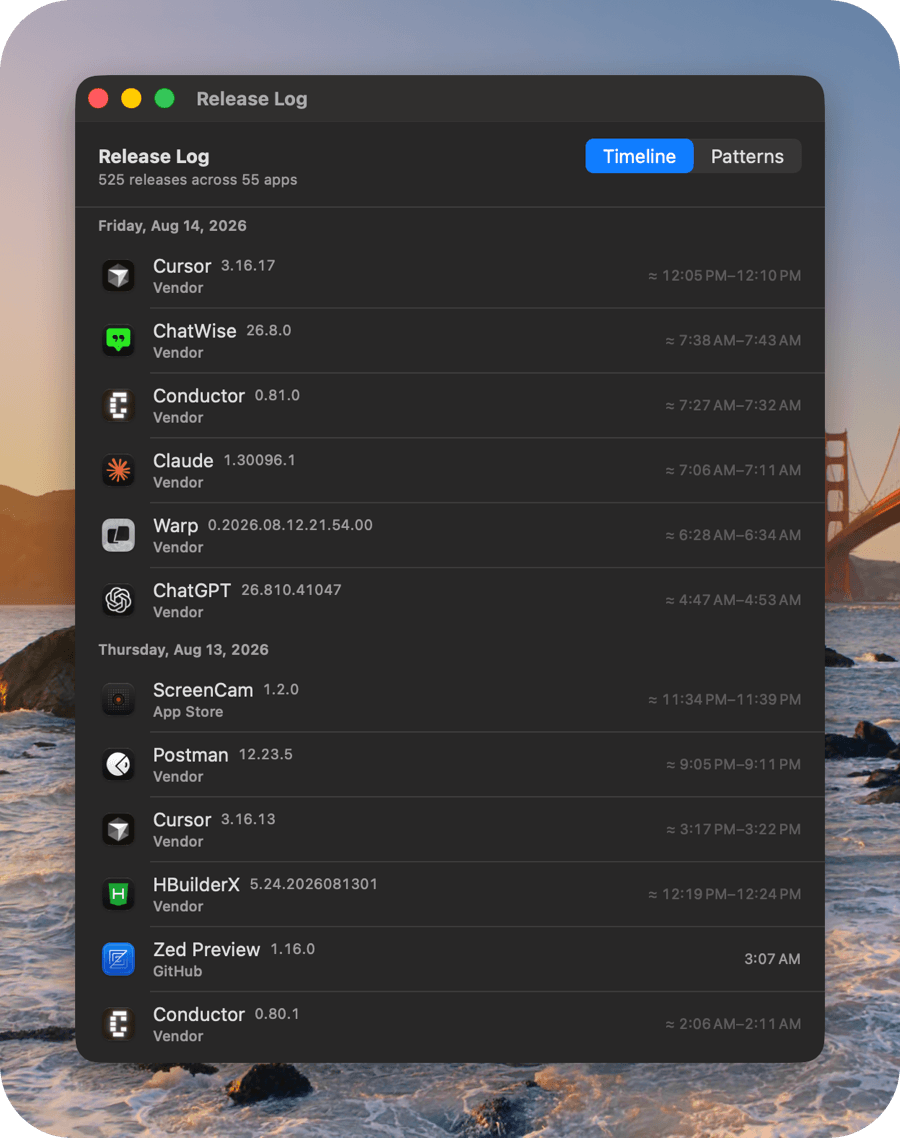
Most updaters pick one mechanism and push every app through it. DuoUpdater reads each app’s own release channel — its Sparkle appcast, its App Store listing, its Homebrew cask, its vendor’s release feed — and uses that.
Apple Silicon, macOS 15 or later. Free and open source. All releases
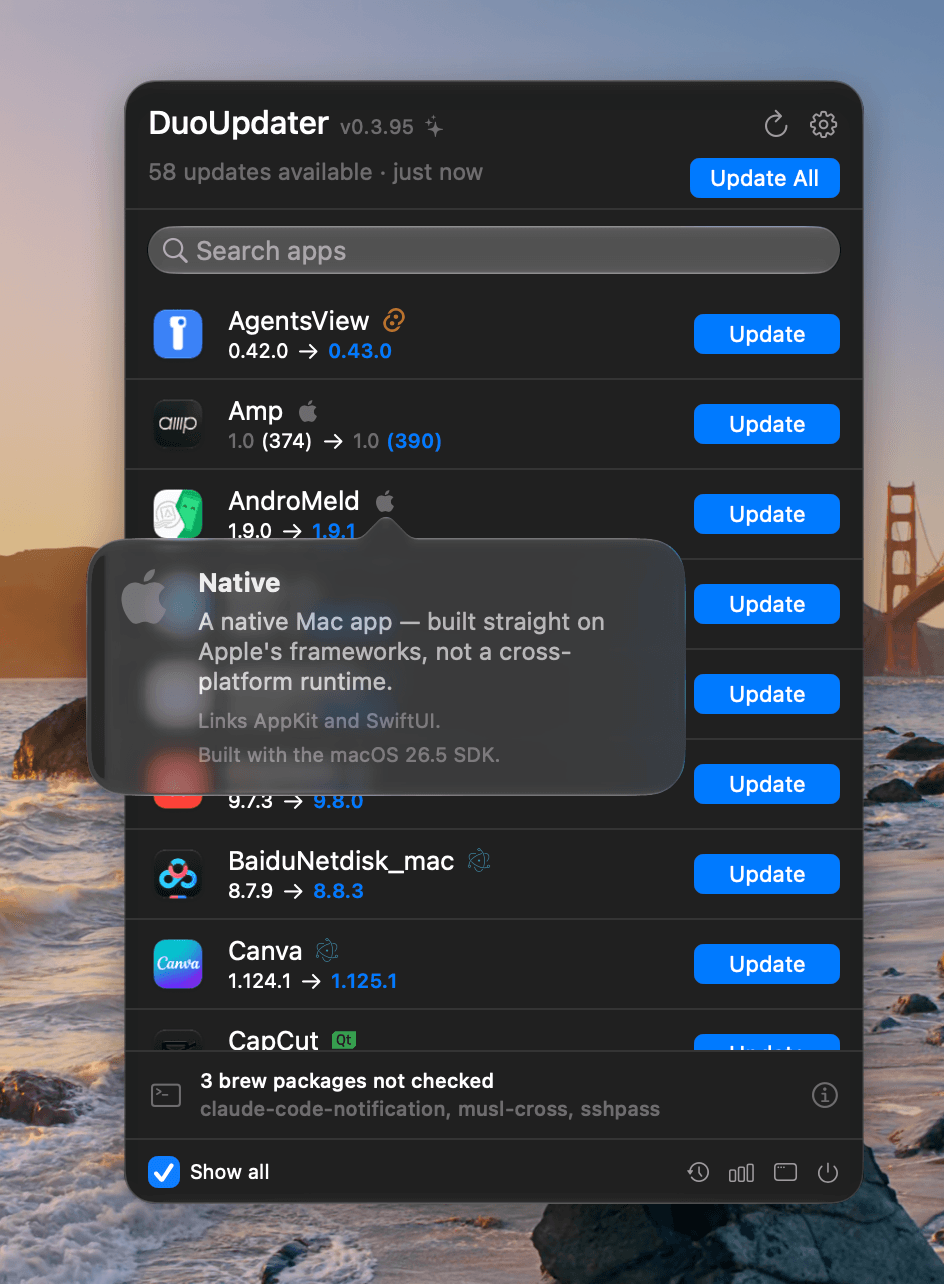
Each row says what you are going from and to, and the button says what will actually happen: Update installs; Relaunch means it is already updated on disk and only the running copy is stale. A green dot marks an app that is running, so you know before you click whether something is about to be quit and reopened.
The badge beside a name says what the app is built with — Electron, Qt, Chromium, a bundled JVM, Flutter, Tauri, Catalyst, or an iPhone app running on Apple Silicon — and hovering it names the runtime and its version. Each one is read from something the packager actually shipped, never from the app’s name or its vendor, so a bundle that does not say stays unlabelled rather than guessed at.
What it does differently
It hands over rather than fighting
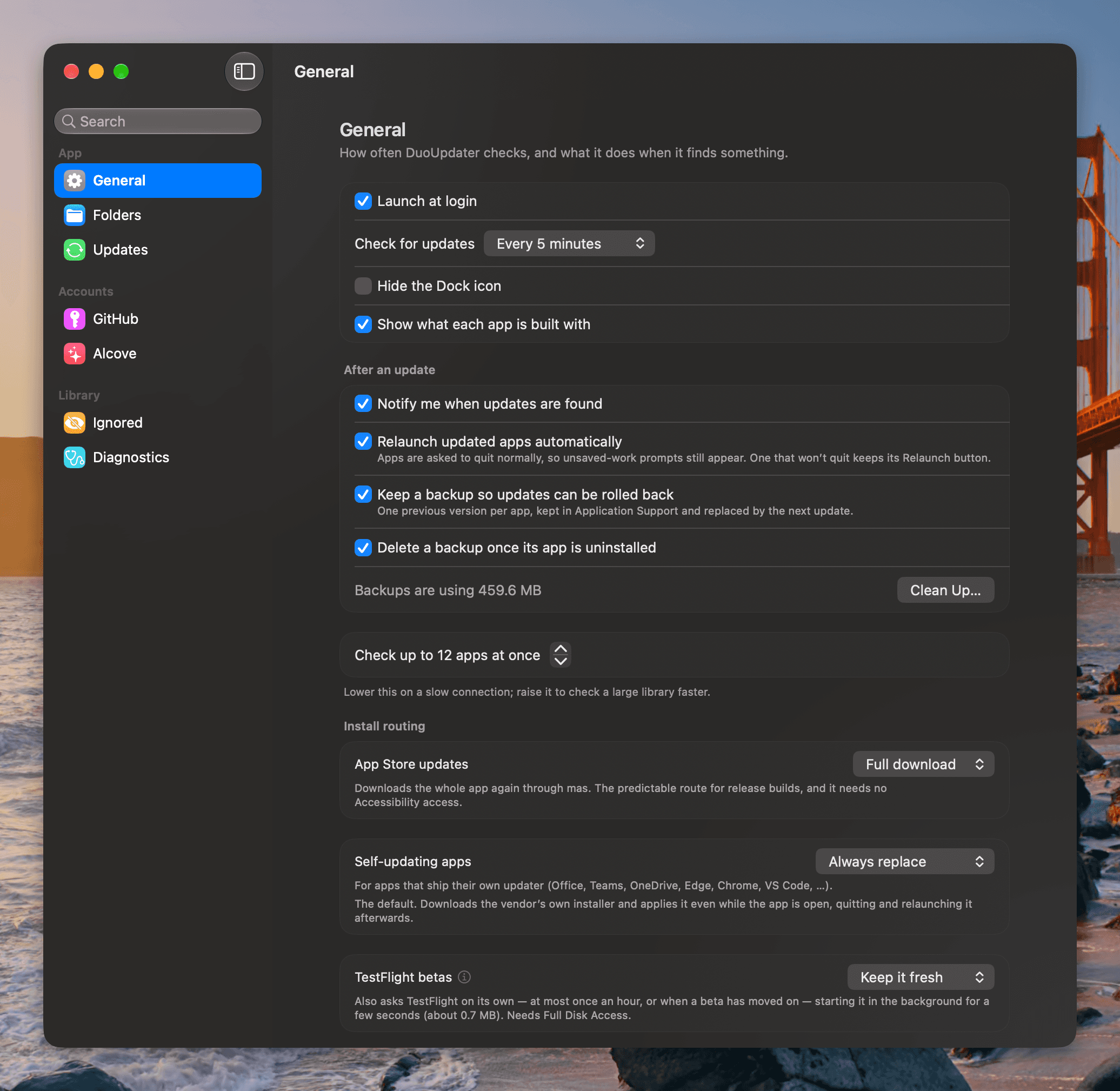
When an app ships its own updater, that updater does the work. When something cannot be done safely, the row says so instead of guessing.
It never force-quits
The quit is a plain terminate — your app runs its own save prompts and can refuse. One that refuses keeps its Relaunch button.
It checks who signed the download
EdDSA where the app publishes a key, then a Developer ID signature, Team ID, bundle id and architecture that all have to match the app being replaced — plus a backup you can roll back to.
It speaks your language
English, 简体中文, 繁體中文, 日本語, Deutsch, Español, Français, Italiano, Português (Brasil), Русский and Türkçe. There is no language setting — it follows whatever macOS is already set to.
It has no server
No telemetry and no analytics SDK. Every request goes straight to the vendor whose app is being checked, carrying nothing about you.